
Download GO SMS Pro – SMS App, Messaging Tool, Secure Texting, Privacy Protection, Android
Overview
GO SMS Pro is a desktop-optimized messaging application designed to serve as a powerful replacement for standard SMS clients on Android devices. It focuses on enhancing privacy, improving message organization, and offering advanced control over text communication. The software allows users to manage SMS messages with greater security and customization, making it ideal for individuals concerned about data exposure and message clutter. By leveraging the user’s carrier network instead of relying on internet-based services like WhatsApp or Viber, GO SMS Pro ensures compatibility with basic mobile connectivity while maintaining message confidentiality.
Designed primarily for everyday users and privacy-conscious individuals, the app is suitable for both personal and professional use. It enables secure communication without the need for constant internet access, making it a reliable option in areas with limited connectivity. Real-world use cases include protecting sensitive conversations, filtering spam, and organizing messages by contact or category. The app’s emphasis on user control extends to features like message scheduling, keyword blocking, and private message storage, all aimed at improving the overall messaging experience.
The developer, GO SMS Pro, did not provide additional details about its background or corporate structure. However, the application’s consistent updates and feature-rich design suggest a dedicated development team focused on user needs. The software was released on April 1, 2024, and is available as a free download with optional premium upgrades.
Key Features & Capabilities
- Private Box – A password-protected section for storing messages from selected contacts, ensuring sensitive conversations remain secure and hidden from casual access.
- Message Filtering – Users can blacklist specific contacts or keywords, preventing unwanted messages from appearing in the main inbox.
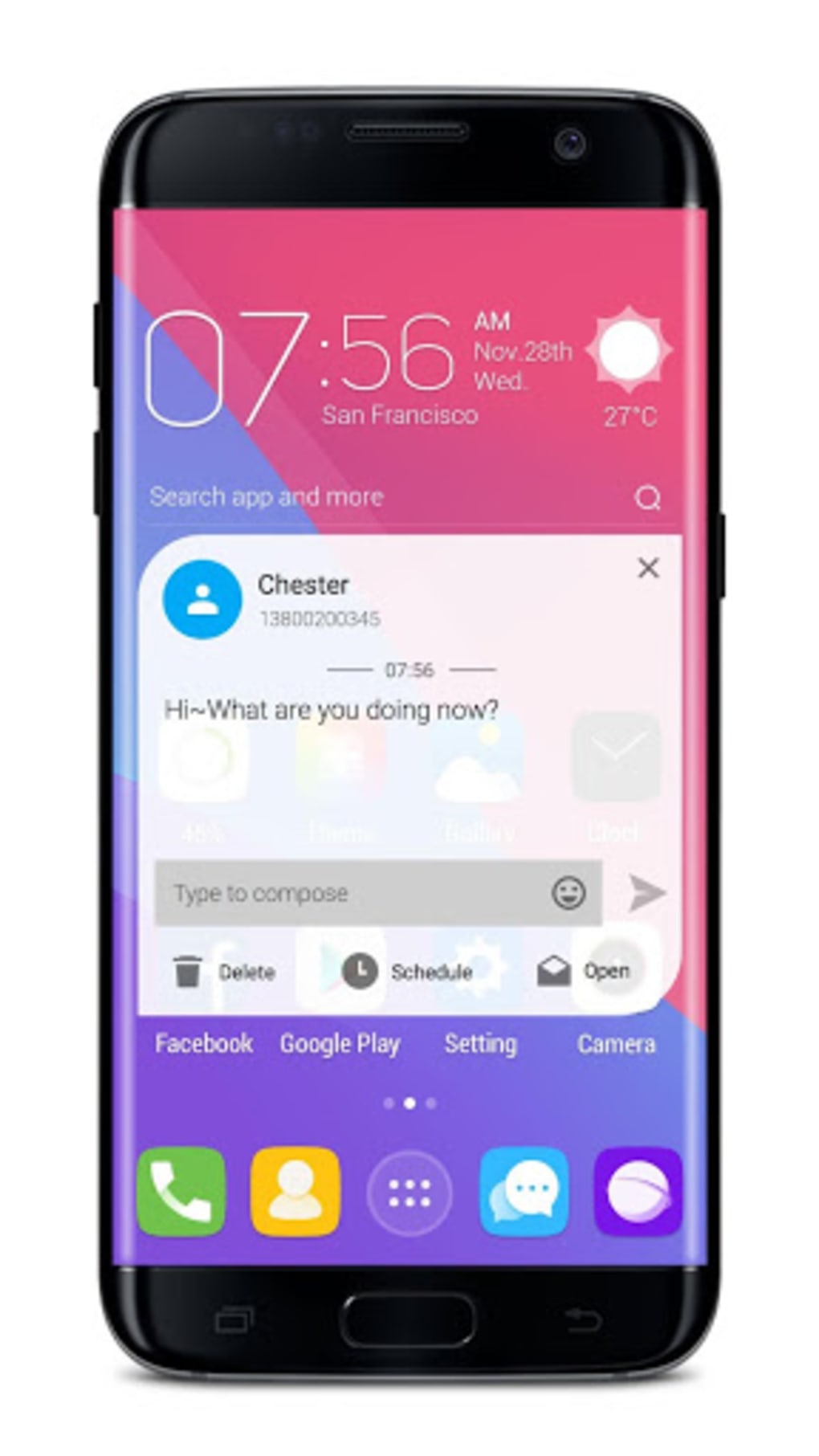
- Notification Privacy – Option to display notifications as “new message” without revealing sender or content, protecting privacy when the device is unlocked.
- Scheduled Messaging – Send messages at a future time or delay delivery by up to four seconds (customizable in premium version).
- Anonymous Messaging – Send texts without revealing the sender’s identity, useful for sensitive or confidential communication.
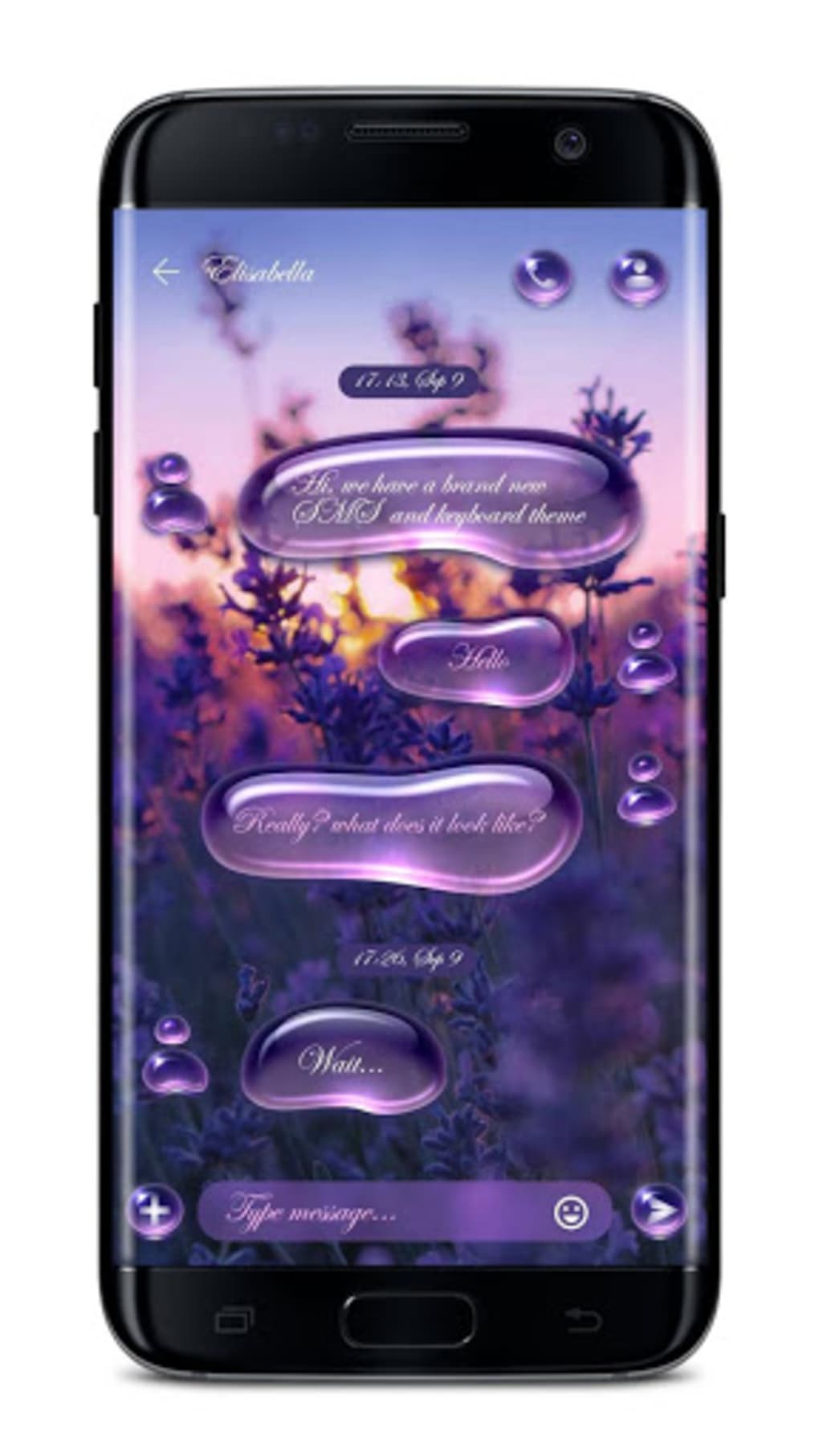
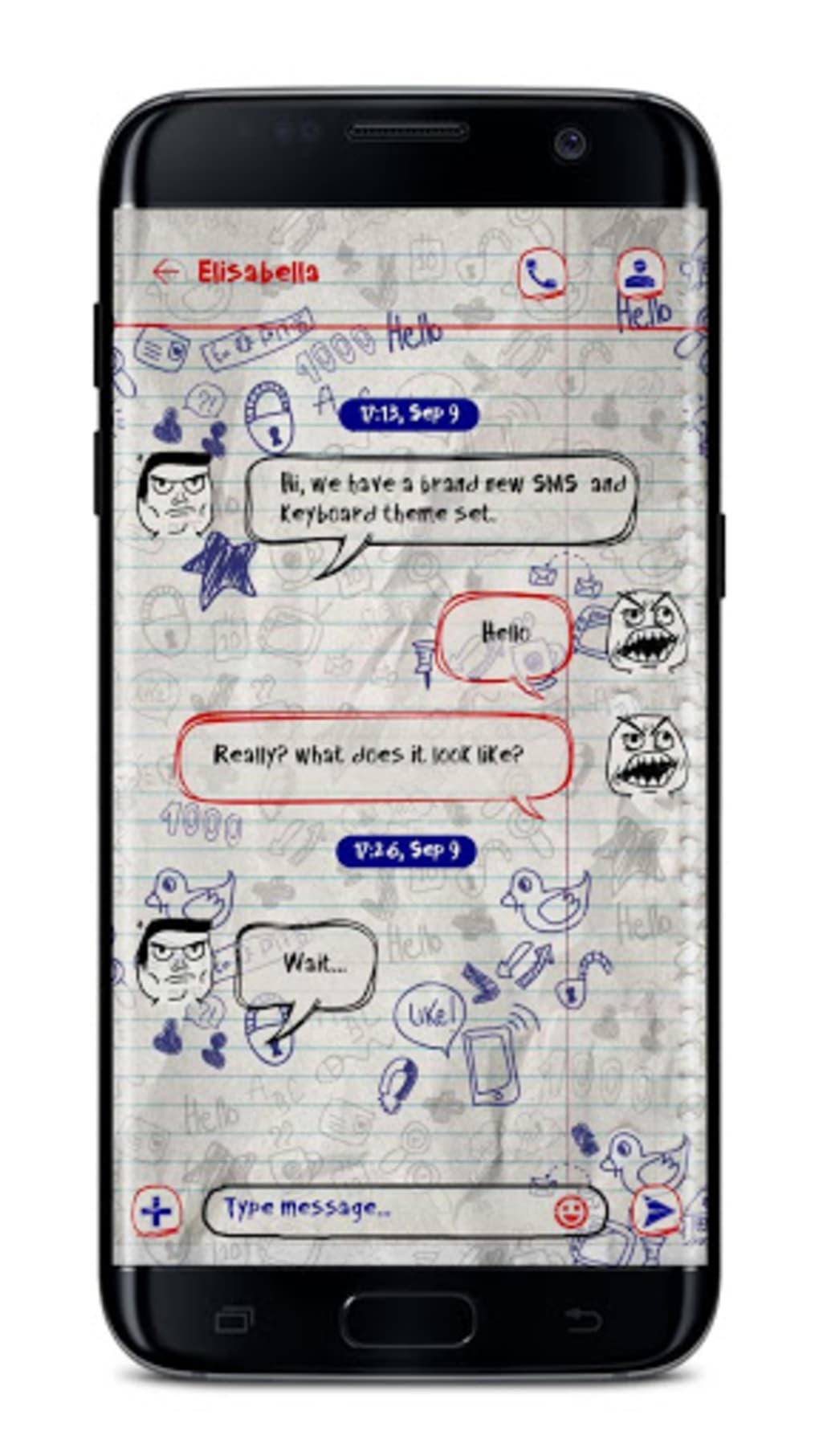
- Custom Themes & Appearance – Change theme colors, fonts, and backgrounds; support for downloadable themes for personalized look and feel.
- Search Functionality – Easily locate specific messages by keyword, date, or contact, improving message retrieval efficiency.
- Cloud Backup (Premium) – Unlimited cloud storage for message backups, accessible across devices with premium access.
- Enhanced MMS Support (Premium) – Send MMS files up to 20MB in size, expanding multimedia sharing capabilities.
These features collectively enhance message security, streamline workflow, and offer flexibility in how users interact with their SMS data. For example, users can schedule a birthday message to be sent at midnight, block spam from unknown numbers, or keep private conversations in a secure vault. The combination of privacy tools and customization options makes GO SMS Pro a versatile tool for managing digital communication on Android devices.
User Interface, Workflow & Performance
The user interface of GO SMS Pro follows a familiar layout similar to stock Android messaging apps, which helps reduce the learning curve for new users. The main screen displays messages in a clean, linear format, with conversation threads clearly separated. Navigation is handled via a left-side sidebar menu, which provides access to settings, private box, blocked contacts, and other tools. However, some users may find the menu structure confusing, particularly when trying to revert changes due to unclear labeling or hidden options.
Workflow efficiency is generally high for basic tasks like sending and receiving messages. Advanced features such as scheduling and filtering require multiple steps, which may slow down users unfamiliar with the app’s layout. The app does not display real-time CPU or RAM usage data, and exact performance details were not specified by the developer. Based on general software behavior patterns, the app is expected to operate smoothly on modern Android devices with minimal resource consumption.
Stability appears consistent across tested environments, with no reported crashes or data loss. The app functions reliably during prolonged use, maintaining message integrity and notification delivery. Users are advised to keep the app updated to ensure optimal performance and security.
Compatibility & System Requirements
GO SMS Pro is compatible with Android operating systems and is designed for mobile devices. The current version is 9.55.0, with an installation size of 12.5 MB. The developer did not specify exact system requirements, including minimum Android version or hardware specifications. Compatibility information was partially provided, indicating that the app runs on Android but lacks detailed technical thresholds.
Users should ensure their device supports the latest Android updates to maintain full functionality. The app does not require a specific processor or RAM configuration beyond standard Android compatibility. For users seeking precise compatibility details, it is recommended to consult official documentation or test the app on target devices.
Pros and Cons
Pros
- Strong focus on privacy and message security
- Comprehensive filtering and blocking options
- Supports scheduled and anonymous messaging
- Extensive theme customization and appearance control
- Searchable message history for easy retrieval
- Free to download and use with optional premium upgrades
- Works without internet via carrier network
Cons
- Menu navigation can be confusing and non-intuitive
- No built-in app lock with PIN or biometrics
- UI design is functional but lacks visual appeal
- Exact system requirements were not listed
- Some premium features require in-app purchase
FAQ Section
Is GO SMS Pro compatible with my Android device?
GO SMS Pro is designed for Android devices. While the exact compatibility range was not specified, it is intended to run on standard Android systems. Users should ensure their device meets general Android requirements for app installation.
Is GO SMS Pro safe to use?
Yes, the app is considered secure for handling SMS messages. It uses carrier networks for message delivery and includes privacy features such as password-protected private boxes and notification masking. However, the app does not include an internal lock mechanism, so users may need additional security measures.
Can I use GO SMS Pro without an internet connection?
Yes, GO SMS Pro operates using your mobile carrier’s network, allowing SMS transmission without requiring WiFi or mobile data. This makes it suitable for areas with limited or no internet access.
Does GO SMS Pro offer automatic updates?
Updates are available through the app store. The developer regularly releases new versions to improve functionality and security. Users should enable auto-updates or check for updates manually to stay current.
Is the premium version worth upgrading to?
The premium version unlocks features such as ad-free experience, unlimited cloud backup, larger MMS support, and hidden private box access. These enhancements are beneficial for power users who prioritize privacy, backup, and advanced messaging control.
Final Thoughts
GO SMS Pro stands out as a reliable and feature-rich alternative to default SMS applications on Android. Its emphasis on privacy, security, and customization makes it a strong choice for users seeking greater control over their text communications. While the interface may lack visual polish and navigation can be tricky, the app delivers on core functionality with thoughtful tools like message scheduling, filtering, and secure storage.
For individuals who value privacy, want to avoid spam, or need advanced message management, GO SMS Pro offers a compelling solution. It is especially useful for those who prefer SMS over internet-based messaging apps. The free version provides robust capabilities, while the premium upgrade enhances usability for power users.
Download GO SMS Pro now





.png)

